Comment installer SyBox
Mis à jour le
Dans SyBox, cela se fait dans Prise en main > Utiliser SyBox sur smartphone.
- Affichez votre espace SyBox dans le navigateur.
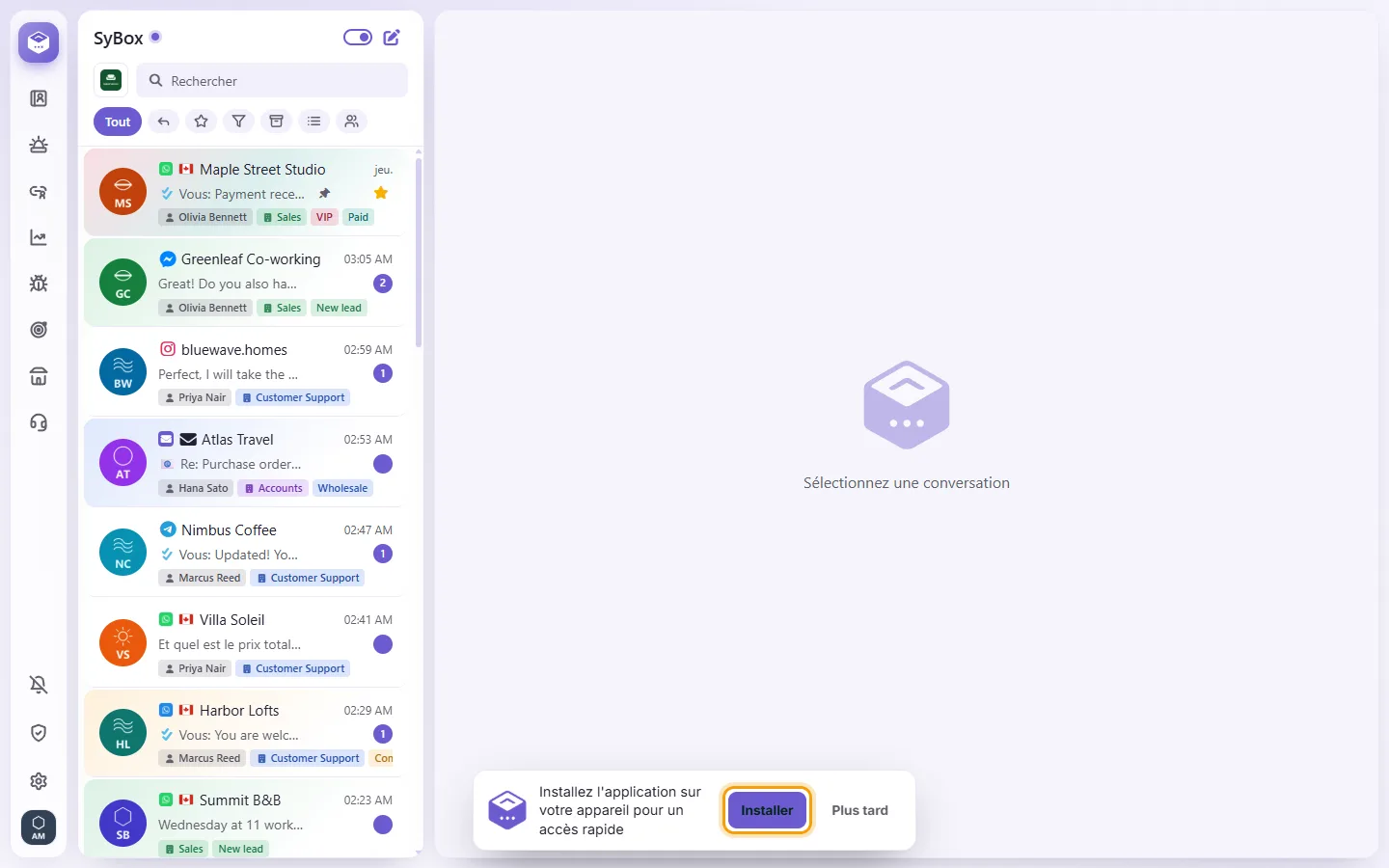
- Dès que la bannière « Installez l'application sur votre appareil pour un accès rapide » apparaît, touchez « Installer ».
- Sur iPhone ou iPad, touchez le bouton de partage, puis « Sur l'écran d'accueil ».
En savoir plus sur Utiliser SyBox sur smartphone.